Only the company's Owner can do this.
Step 1: Open Team Sign-Ins
Open Account, then press Team Sign-Ins.
Step 2: Make An Invite Link
Pick Editor or Viewer, and press Make Invite Link. Copy the link and send it by text or email. A link works once and expires in 7 days.
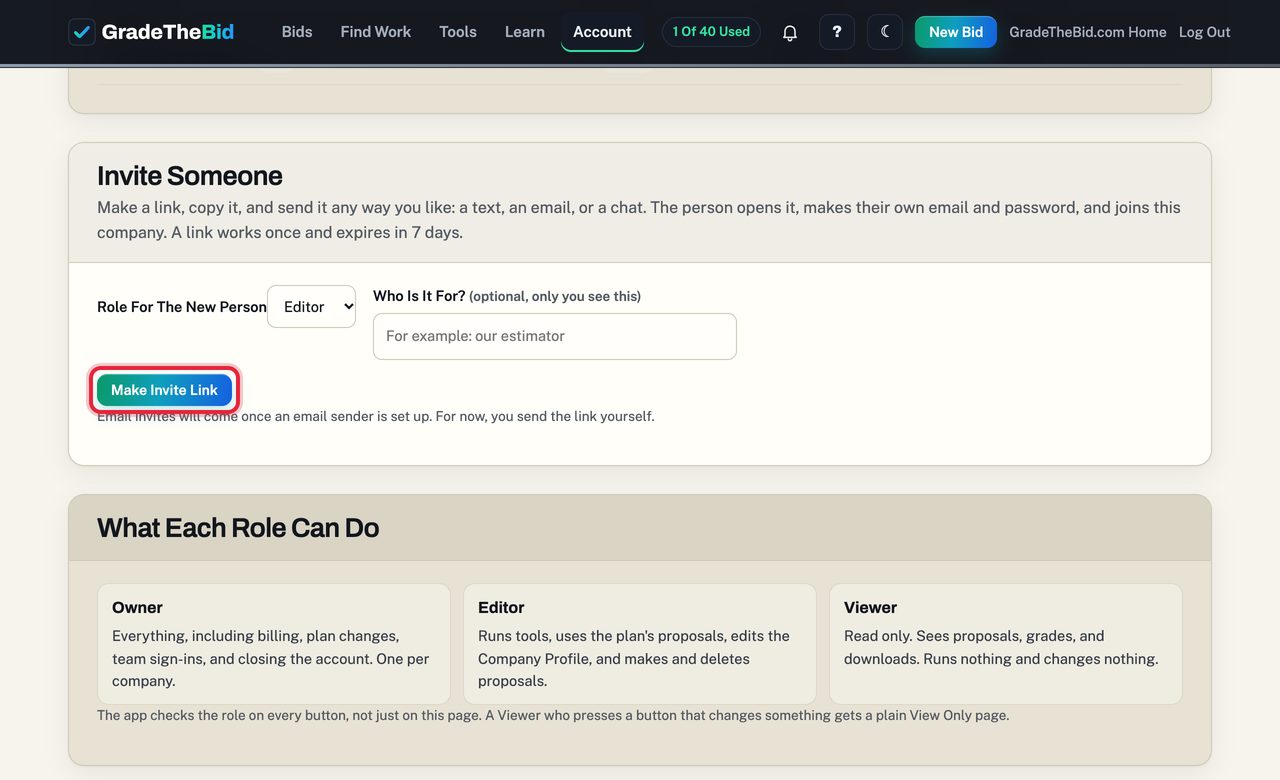
Who Can Do What
- Owner: everything, including billing, plan changes, and team sign-ins. One per company.
- Editor: runs tools, uses the plan's proposals, and edits the Company Profile.
- Viewer: reads only. Sees proposals, grades, and downloads.