Fill In Your Company Profile. Every draft is written from this page, so it comes first. We can fill most of it for you.
The draft is written only from what you put here. Anything missing shows up as [NEEDS YOUR INPUT]. Nothing gets made up.
Step 1: Open Your Company Profile
Open Account, then press Company Profile.
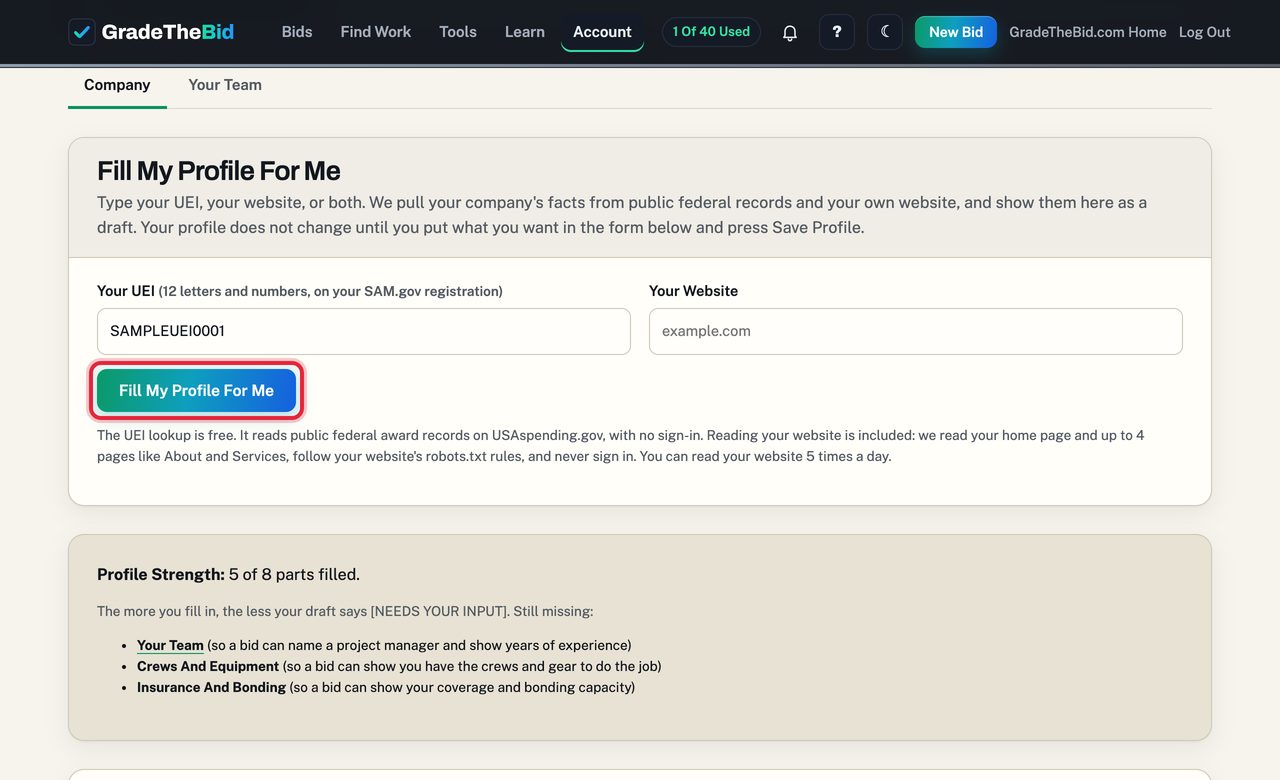
Step 2: Press Fill My Profile For Me
Type your UEI, your website, or both, and press Fill My Profile For Me. We read public federal records and your own website, and show you a draft. Your profile does not change yet.
Step 3: Check Every Box
Read what came in. Fix anything that is wrong and add what is missing. Profile Strength tells you which parts are still empty.
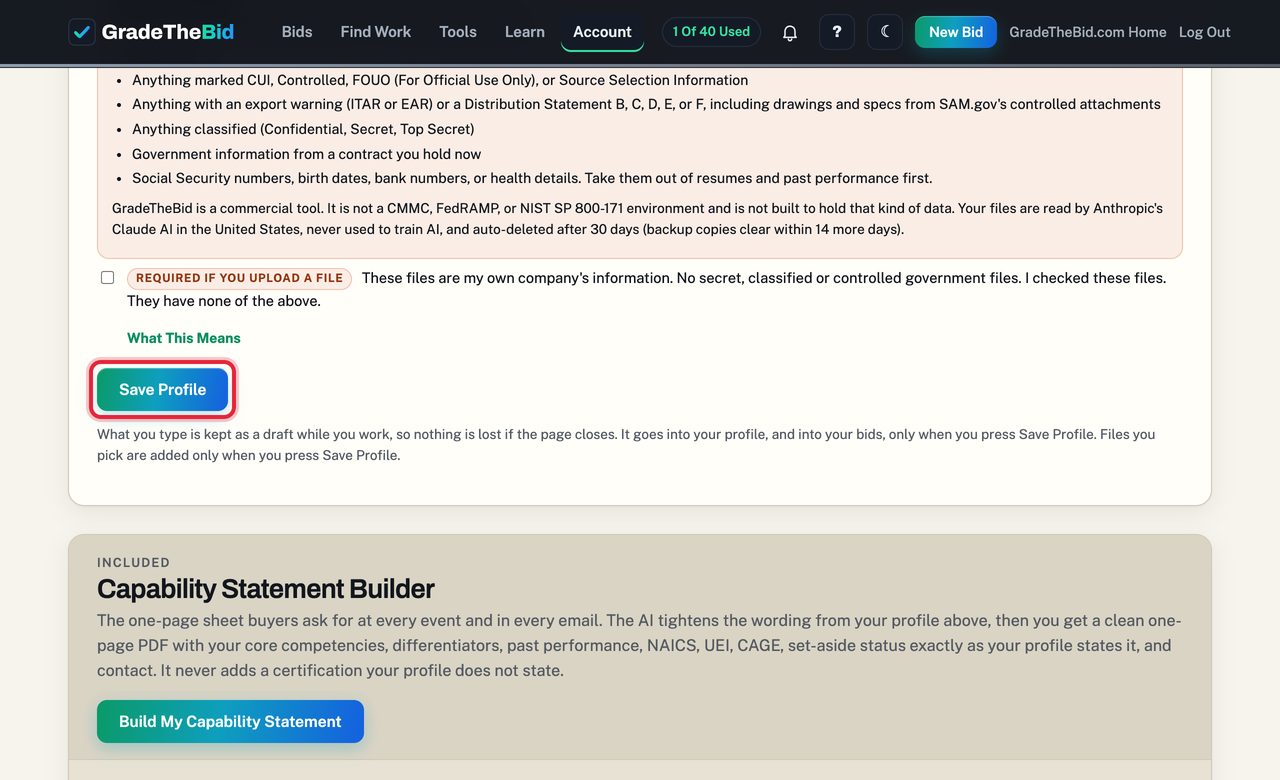
Step 4: Press Save Profile
Nothing goes into your bids until you press Save Profile. Upload files here only if they are your own company's information, with no CUI.