Search Everything On Find Work. One box for federal bids, upcoming bids, state and local bids, grants, and recompetes.
Searching is free. It uses no AI and never uses up a grade.
Step 1: Open Find Work
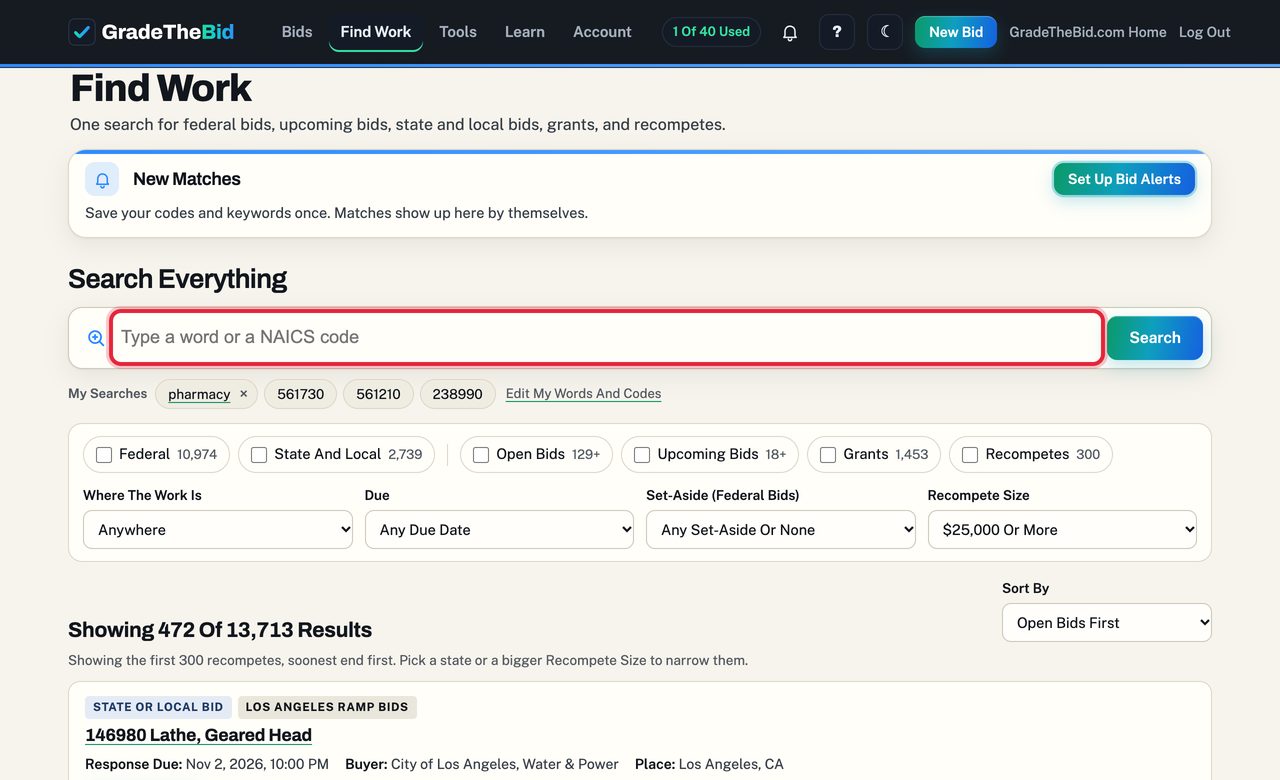
The box starts empty, so you see everything we have. Type a word like roofing or a NAICS code, and press Search.
Step 2: Tick What You Want
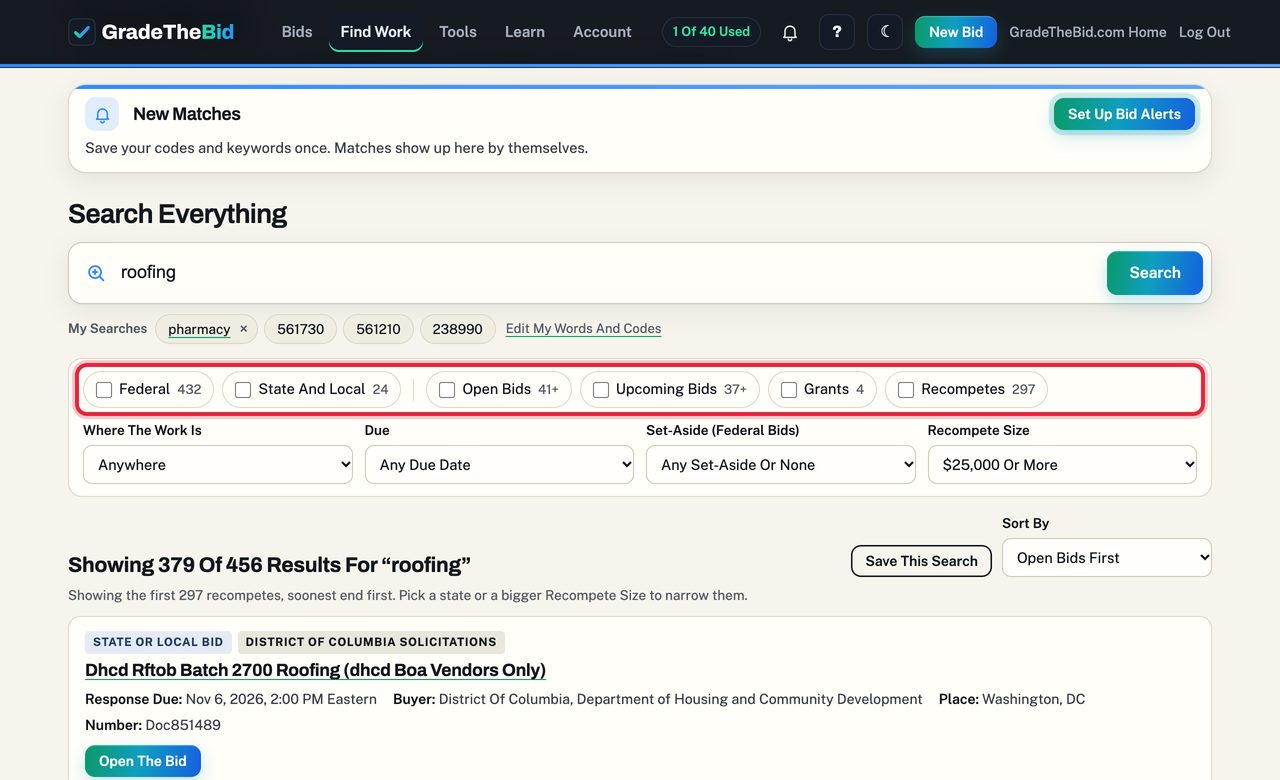
Each tick box works by itself. Tick Grants and you see only grants. Nothing ticked shows everything. The counts show how many of each came back.
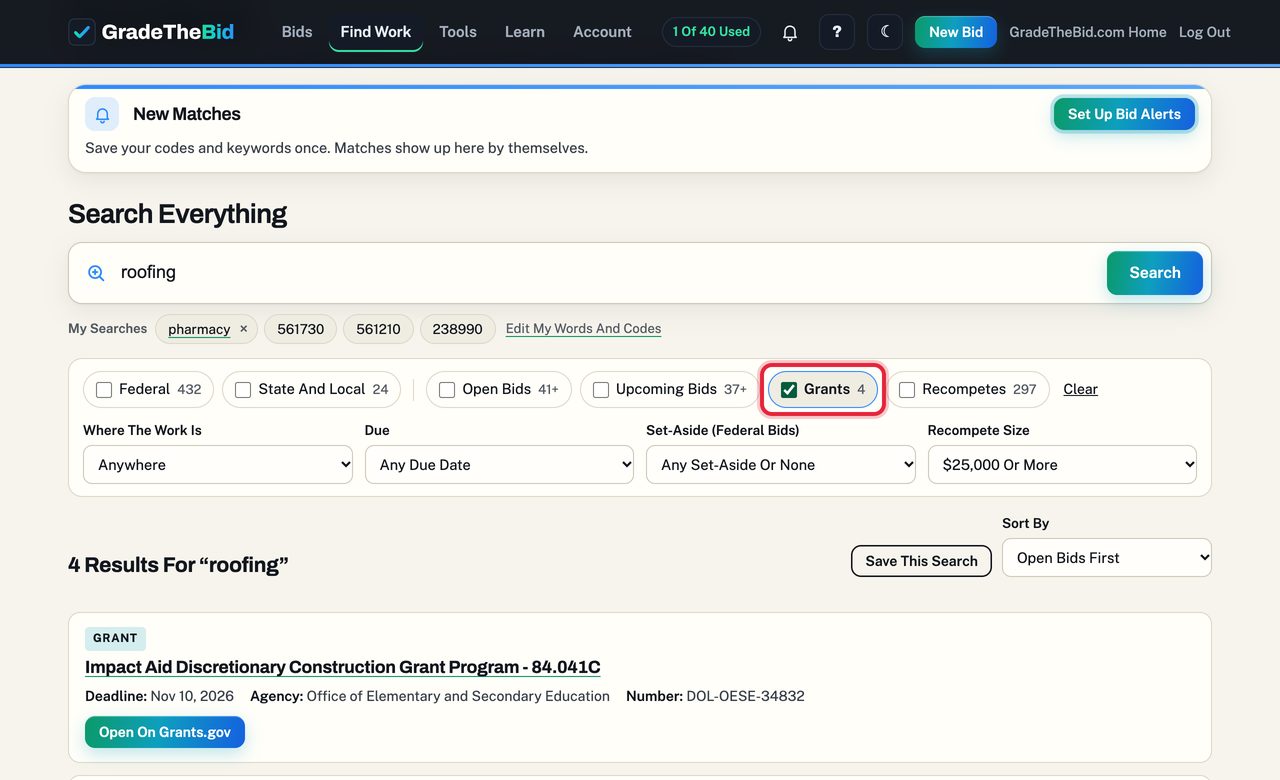
Press Clear to take the ticks off.
Step 3: Narrow It Down
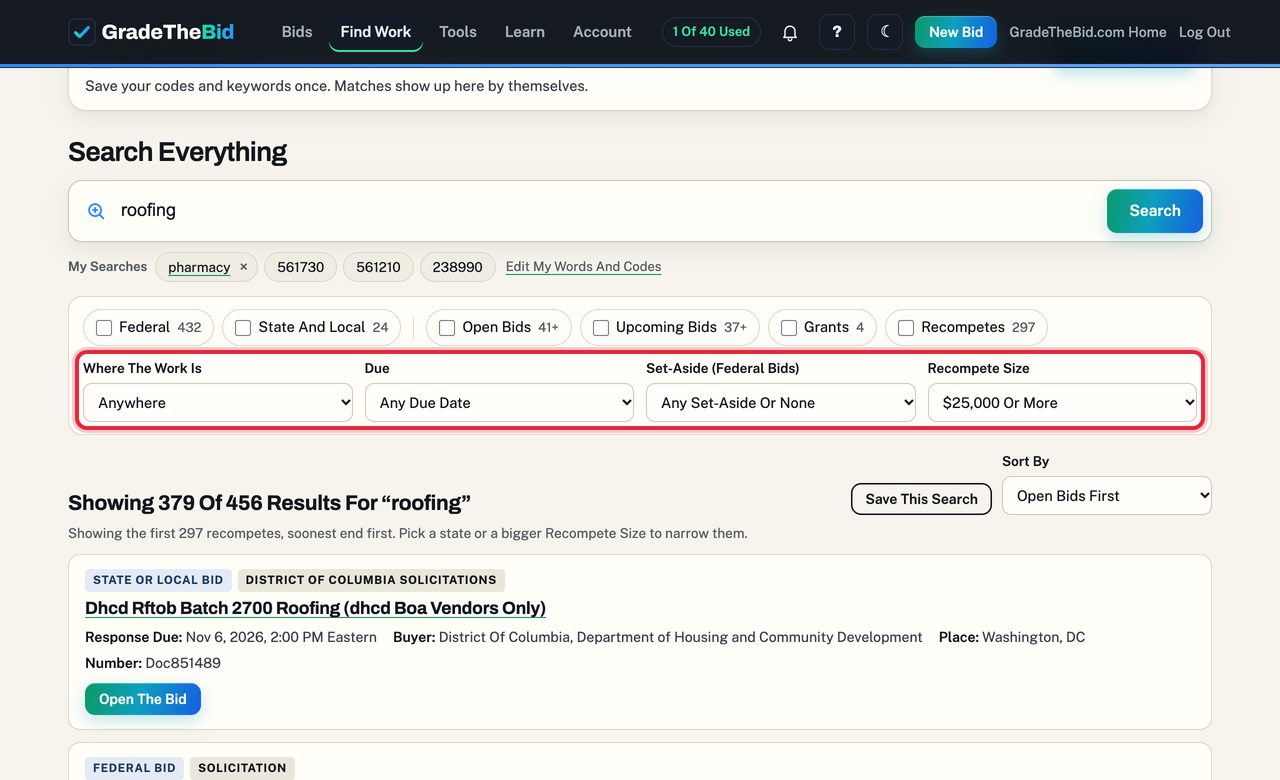
Pick Where The Work Is, a Due date, a Set-Aside, or a Recompete Size.
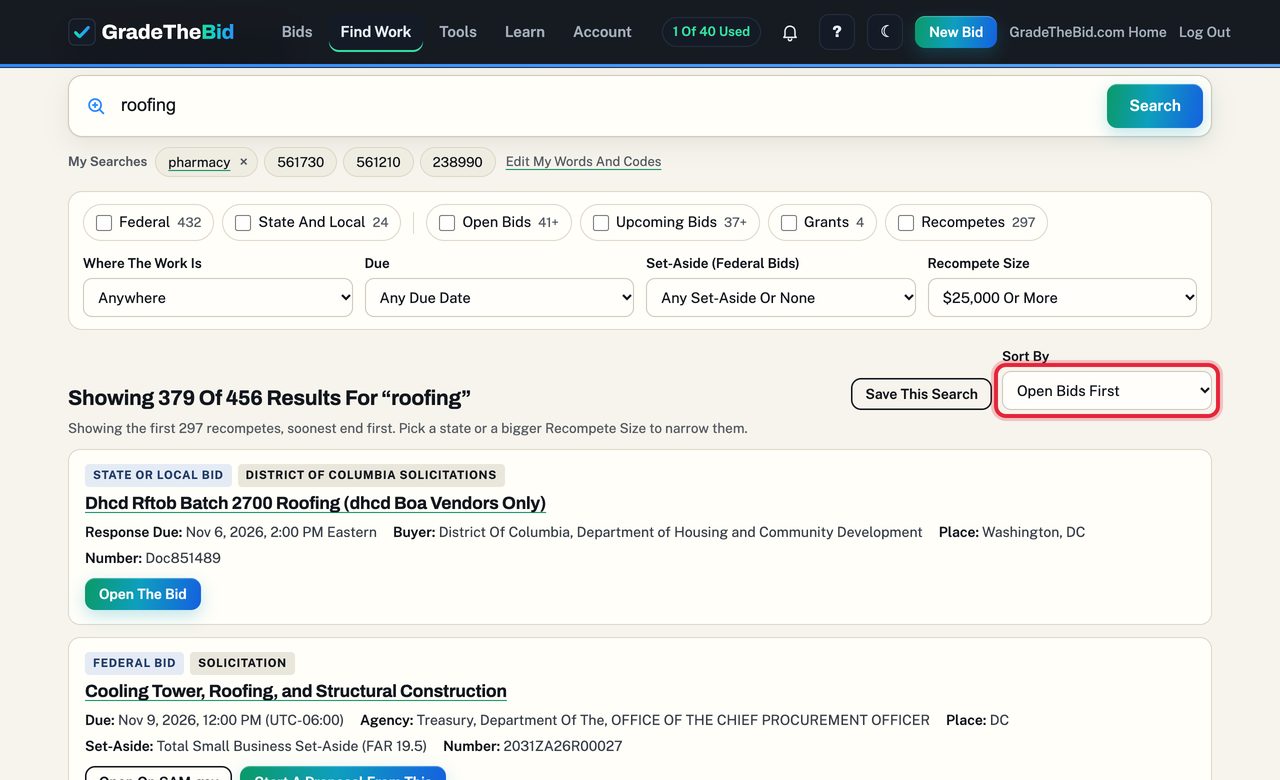
Step 4: Sort The List
Sort By puts open bids first, or the soonest due, newest posted, biggest dollar amount, or name.
Step 5: Start A Proposal
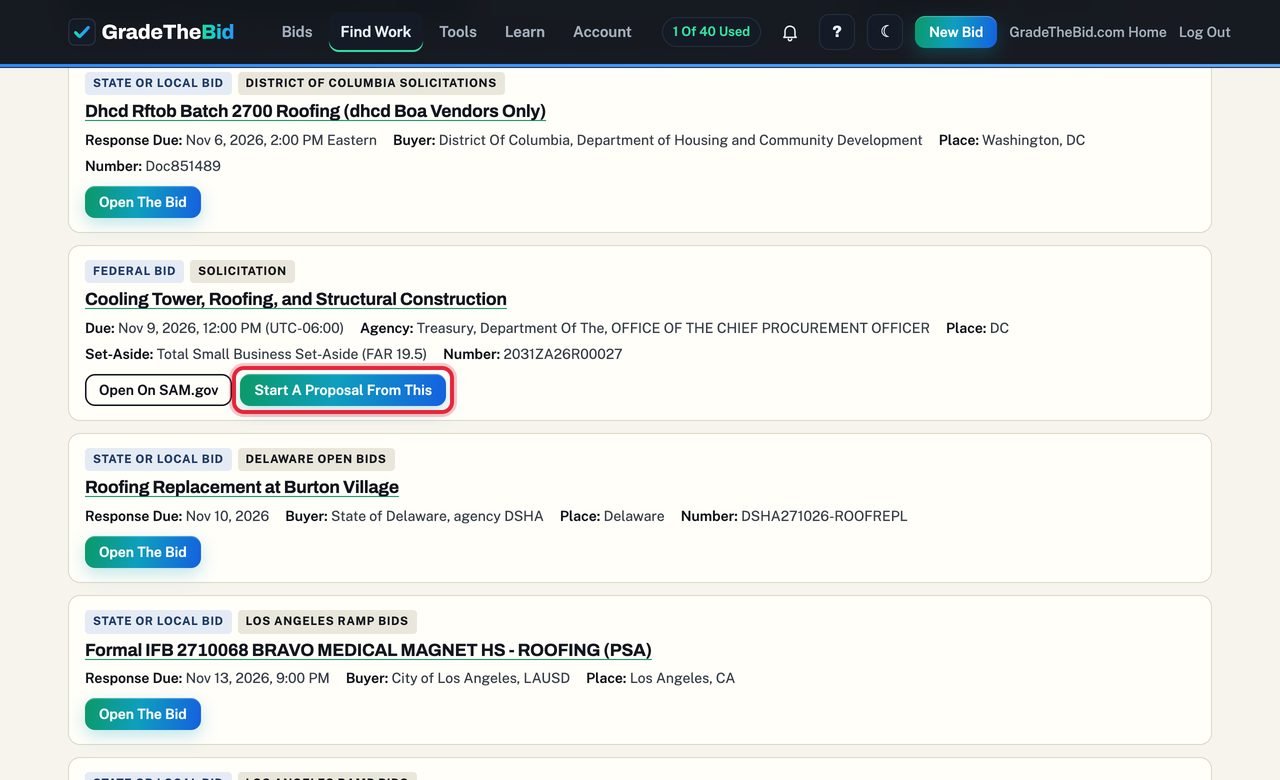
Press Start A Proposal From This on a federal bid and we pull it in for you. Other bids have Open The Bid, which takes you to the buyer's page.
Good to know: state and local bids and grants have no NAICS codes, so type a word to search them. State and local bids come with Pro Plus and up. On Pro you still see how many matched.