Track Your Bids And Deadlines. Every bid you are chasing and every due date, in one place.
Step 1: Track A Bid
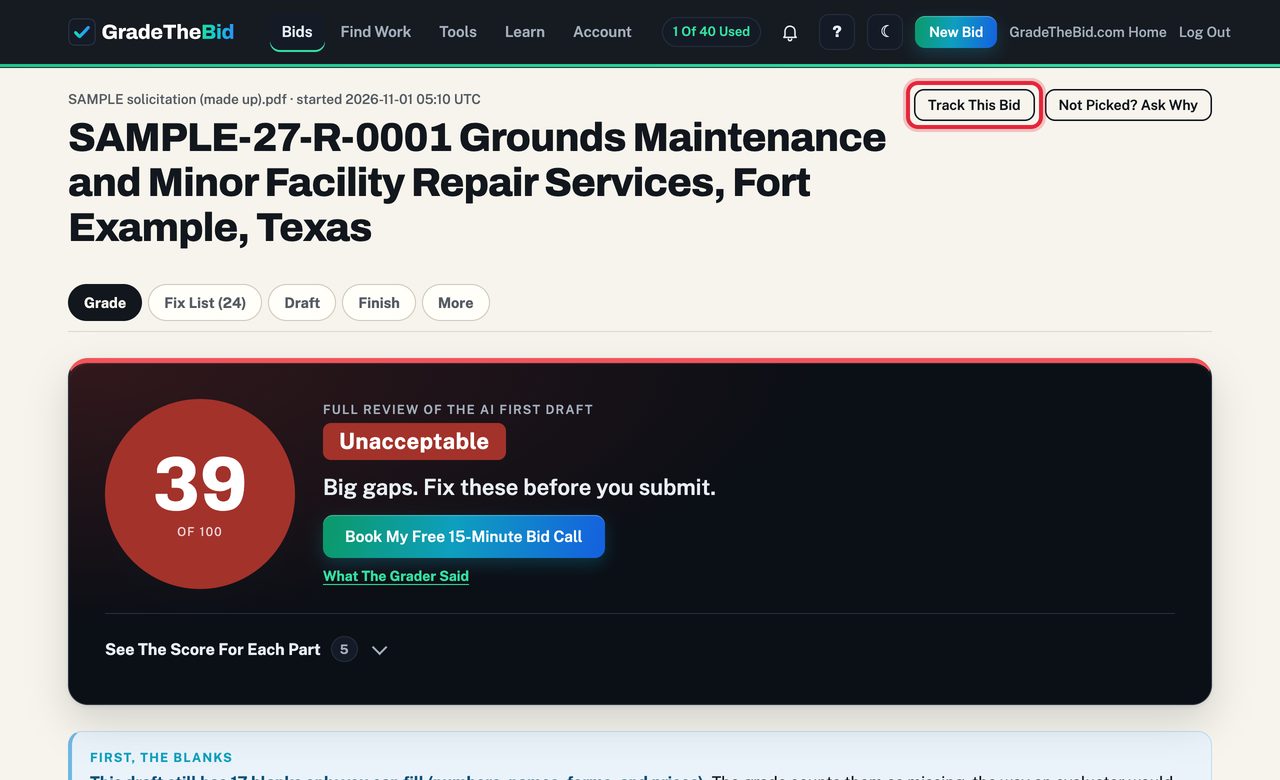
On any bid, press Track This Bid.
Step 2: Open The Bid Tracker
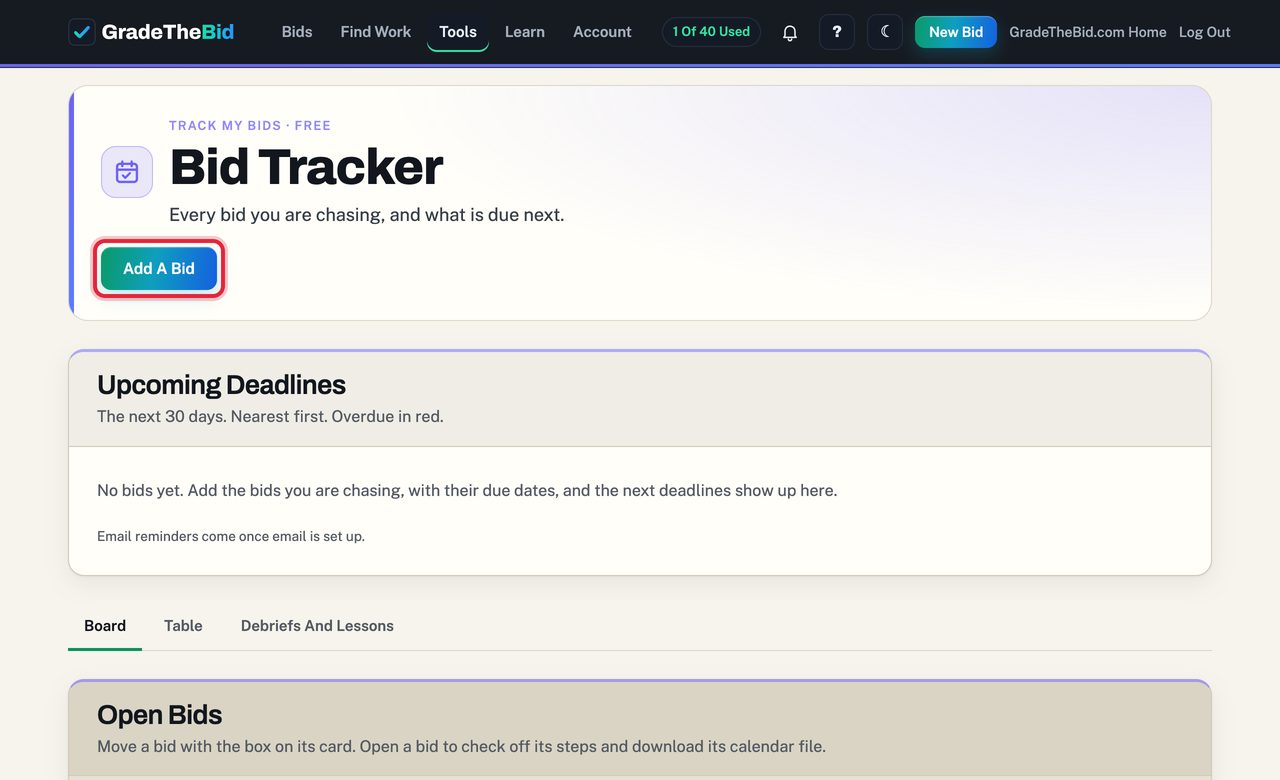
Open Tools, then Track My Bids. Press Add A Bid for one you are chasing somewhere else. Upcoming Deadlines shows the next 30 days, nearest first, with overdue ones in red.